Site Selection
The Site Selection module allows users to select a binding pocket based on the positions of known ligands and extend the pocket size if necessary.
- Different step results – Creates a new experiment where you can select a different result from this step.
- Different starting parameters – Creates a new experiment where you can modify starting parameters before execution.
Uploading a Ligand
In the Site Selection module menu, you can specify a reference ligand using one of two methods:
- Upload an .sdf file
- Use the upload button to select a ligand file from your local storage.
Pay attention, that .sdf file should contain one reference ligand, which is located in appropriate coordinates regarding the protein structure.
- Use a reference ligand from the .pdb file
If you previously selected a reference ligand during the protein upload and project creation, you can enable the “Or use reference ligand from pdb” option.
Binding Site Visualization
Once the binding site is generated:
- It will be displayed as a semi-transparent pocket in the 3D visualization.

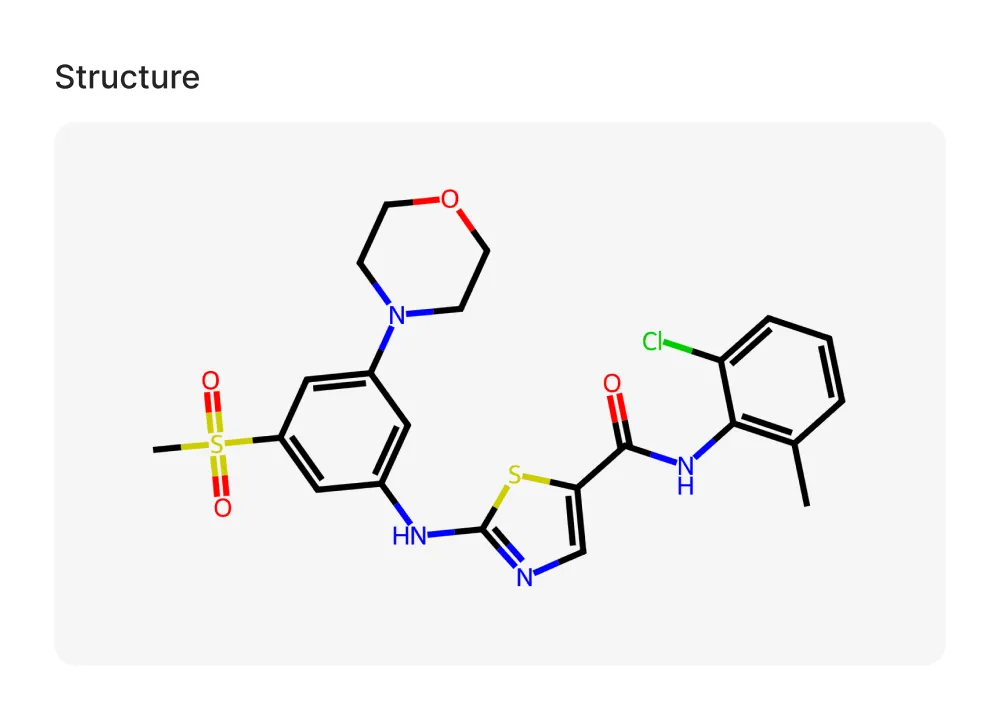
- A 2D representation of the reference ligand will also appear in the sidebar.
Note: Similar to the Site Radar module, the generated binding site can be extended, but pocket characteristics are not calculated for sites derived from reference ligands.